For businesses selling through WhatsApp
Answer questions and organize your WhatsApp sales.
Bring your team together with an AI agent that uses your business information. Test its answers, review sources and make corrections before connecting WhatsApp.
No card required. 3 days of Pro from your operational WhatsApp connection. AI tests use credits.
María Fernández
+51 9•• ••• 412
Illustrative example with fictional data.
Meta's official API
Connect through Meta's flow, subject to its requirements and policies.
Control over your information
Review the agent's answers and export your contacts to CSV.
Separate costs
Subscription, Meta messaging and AI usage, with their terms clearly shown.
Before connecting WhatsApp
First, check how it answers using your information.
Start with a question you often receive. Prepare the answer, test your agent and review what needs correcting.
- 01
Add your information
Save your business details and the sources the agent should consult: products, terms and common questions.
- 02
Run a test
Type a customer's question in the test area. Review the answer and the sources used.
- 03
Correct and test again
If information is missing or an answer isn't right, update the content and repeat the question before using it with customers.
Illustrative example · fictional business
A print shop receives the question “What format should I send my design in?” Its information says PDF, but it now needs PNG. The owner corrects that source and repeats the test to review the new answer.
Tests use AI credits and do not send messages to customers. Connecting a number does not automatically publish or activate your draft on WhatsApp.
The context your team needs to keep going.
Bring questions, assignments and opportunities into one tool. Your team can continue each customer's conversation with the context they need.
One inbox for the whole team
Each conversation has an owner, labels and context. Messages appear in real time, without reloading or passing a phone around. Voice notes, photos, documents, reactions and quoted replies, just like WhatsApp.
- Agent assignments and triage filters
- Quick replies with “/” for the things you repeat every day
- 24-hour window always visible, with a warning before it closes
María Fernández
nowYes, please! 🙌 Do you accept Yape?
Luis Herrera
12mThanks, everything arrived 👍
Bodega San Martín
1hDo you have the compressor in stock…
Agents that assist, qualify and help you follow up on sales
Start with your industry or a description of your business. Review the suggested configuration, add your information and test the answers. Configure support and qualification agents to answer questions and organize lead follow-up.
- Start with your industry or description and review the suggestion
- Capture and qualify leads according to your rules
- AI can make mistakes: test, review and allow human intervention
- Choose our credits at cost or your own provider account (Claude or GPT)
Campaigns with your number's limits in view
Send an approved template to hundreds of contacts — all contacts, by label or from a CSV — and watch progress live. DasFlow spaces messages and shows your line's actual limit and quality before sending.
- Scheduling and live progress: sent, delivered, read
- Warning if a campaign exceeds your number's daily limit
- Contact name variables, without complicated formulas
National Holidays promotion
CompletedAnd the rest of your daily work
Templates with previews
Create them, submit them for Meta approval and track their status from your dashboard.
Contacts and sales pipeline
Full history, team notes and a Kanban board with a value for each opportunity.
Appointment calendar
Week/month views, drag to reschedule and automatic WhatsApp reminders.
Forms within WhatsApp
Capture leads or registrations with native forms, without taking the customer out of the chat.
Catalog and orders
Share products in the conversation; each order becomes an opportunity in your pipeline.
API and webhooks
Connect n8n, Make, Zapier or your own system, with documentation in Spanish.
WhatsApp Flows
Mini-apps within WhatsApp
Appointments, orders, registrations: native forms that open in the chat and return structured data instead of loose text that someone has to copy manually. Your customer stays in WhatsApp.
Clínica Sonrisa
online
Hi, María! Of course 😊 Choose a day and time that works for you right here:
4:12 PMBook appointment
Illustrative example of a configured flow.
- Ready-made templates: appointment, lead, order, survey
- Visual editor with live preview
- Each response reaches your dashboard as structured data
Have an online store? DasFlow connects it.
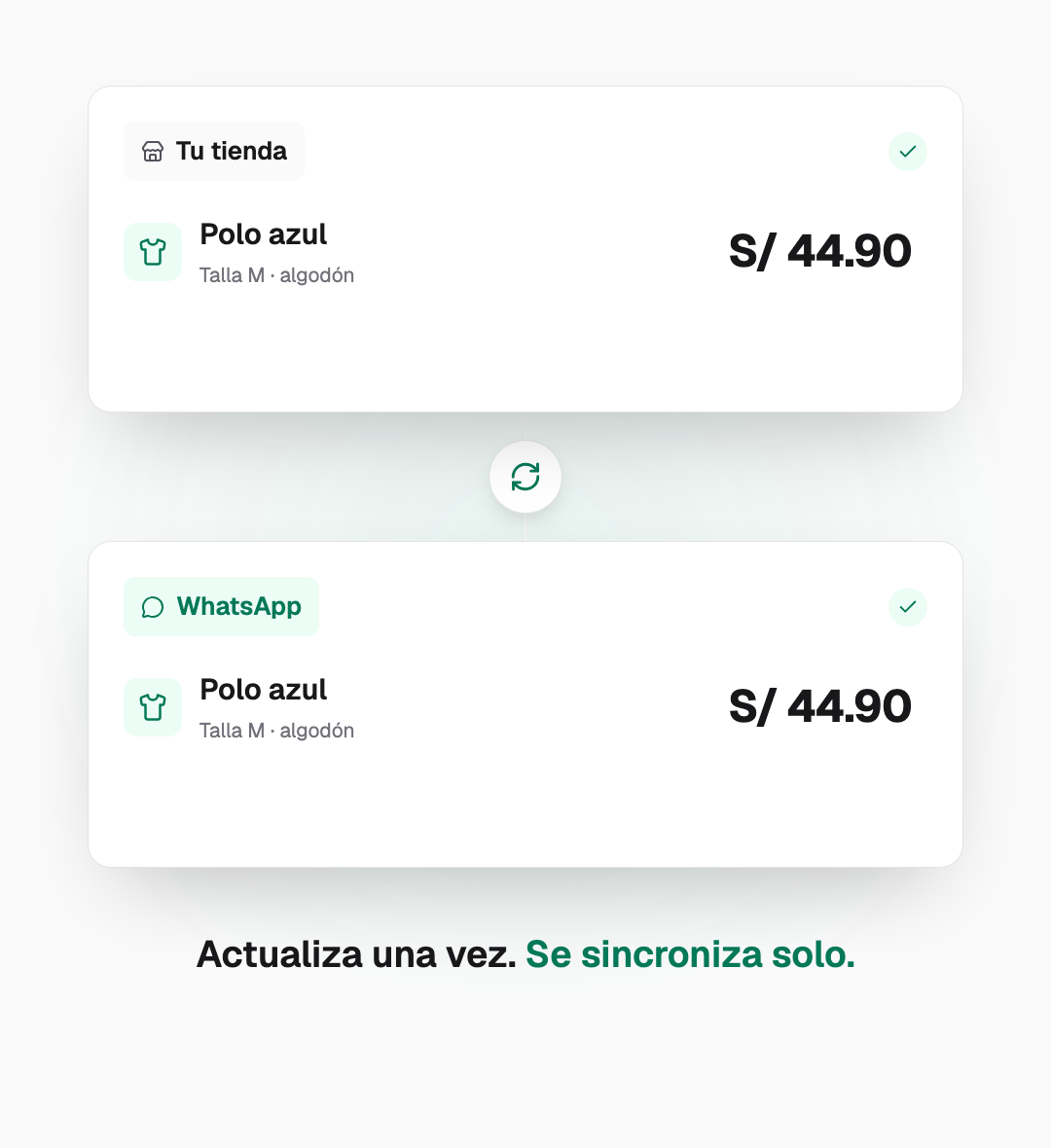
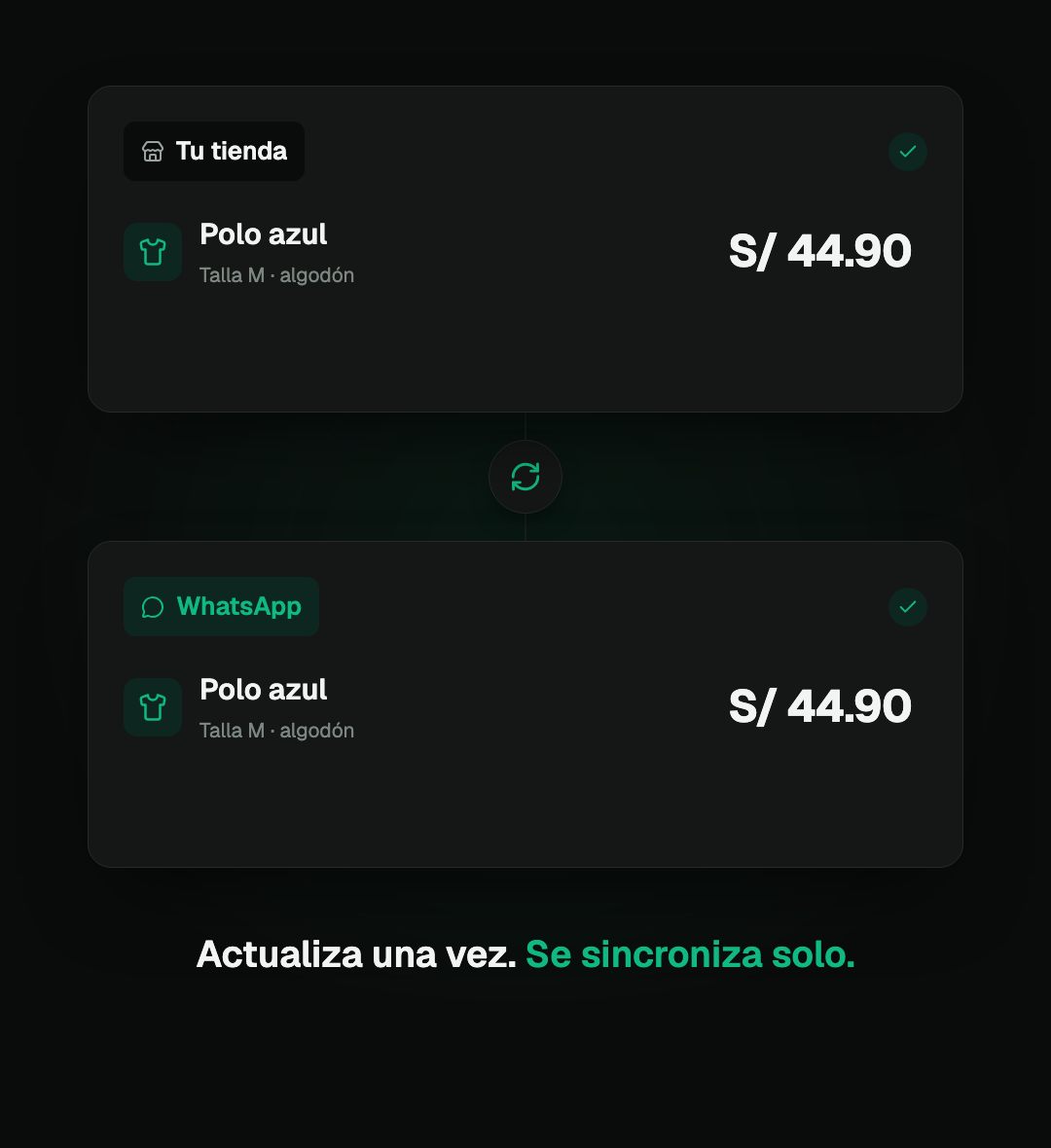
With an integration configured, you can sync product information and connect WhatsApp orders to your system. Scope depends on your store, the integration and enabled permissions.
- Catalog connected to your configured source
- API and webhooks for order integrations
- Documentation for your technical team; custom development quoted separately
Ad attribution
Link inquiries to the ad they came from.
When Meta sends an ad reference with a message, DasFlow links it to the conversation. Review its journey and sales recorded in your pipeline to understand the opportunities each source generates.
- Ad source when Meta provides the reference
- Opportunities and sales recorded in your pipeline
- More context for reviewing business decisions
Clicked your ad
“Professional websites from $500”
Messaged you on WhatsApp
Your agent replies based on its configuration
Automatically qualified
Sale attributed to the ad
Illustrative example with fictional data; these are not a customer's results.
Run the numbers
What does replying late cost you?
Explore a scenario using your own assumptions. This estimates potential revenue; it is not a promise of sales or profitability.
Out of 100 inquiries you handle well, how many buy?
Those waiting hours or never receiving a reply: after hours, while the team is busy or on weekends.
Your estimated scenario
out of every 10 inquiries, 3 go cold
Potential value of those inquiries
S/ 2,700 /month
equivalent to S/ 32,400 per year, if your assumptions held for twelve months.
Try with my informationInquiries × % going cold × conversion rate × order value. Assumes those inquiries would convert at the same rate as well-handled ones. This is not a revenue forecast or a promise of recovery with DasFlow, and does not deduct costs. Amounts in Peruvian soles (PEN).
Choose how you want to work.
Basic USD 19/month or Pro USD 49/month. Try Pro for 3 days from your operational WhatsApp connection, with no card required.
Basic
Manage and organize your WhatsApp.
$19 USD / month
- Complete, real-time team inbox
- Templates and individual messages
- Contacts + sales pipeline
- Appointment calendar
- Up to 5 active automations
- Up to 3 users
- Try the AI agent with complimentary credit and 1 campaign per month
Pro
Automate and grow your business.
$49 USD / month
- Everything in Basic
- AI agent with your knowledge base ¹
- Unlimited campaigns in DasFlow ², subject to Meta's rules
- Automatic WhatsApp appointment reminders
- Native forms + catalog and orders ³
- Ad source when Meta sends the reference
- Self-service API and webhooks (n8n, Make, Zapier)
- Unlimited automations · up to 10 users
¹ AI uses credits or is billed to your provider account if you use your own API key. The processing fee and total are shown before you top up.
² Meta directly bills chargeable messages according to category, market and exceptions. Its messaging limits and policies apply.
³ Availability depends on enabled capabilities and Meta approvals.
When your trial expires without an active plan, your workspace becomes read-only and retains your data. B2B service subject to country eligibility.
Does your business need more than a standard plan?
DasFlow Dedicated: your own isolated instance with dedicated infrastructure, your own SLA and custom integrations. Managed by us or in your own cloud.
Frequently asked questions
What you need to know before creating an account.
What can I test before connecting WhatsApp?+
When does the 3-day Pro trial start?+
How is this different from the WhatsApp Business app I already use?+
Can the AI make mistakes?+
Can I keep using WhatsApp on my phone with the same number?+
What do I pay for besides the subscription?+
How do AI agent credits work?+
Which plan do I need after trying Pro?+
How does ad attribution work?+
Do I need to code or pay for an integration?+
What happens if I cancel?+
Start with a common question about your business.
Add the information needed to answer it, test your agent and review the result. Connecting WhatsApp comes later.
Have a question? Talk to us